Work / Front-end / EdG Studio Animation Library
My toolbox for motion, 568 pieces
Project 30 of 30 in the archive 10 of 10 in Front-end development See the whole discipline ↗
Open it: change colours and sizes, read the code and copy it
It is a working tool, not a public website: it asks for a password. Opens in a new tab, on the hub of all the libraries.
Password-protected · remembered for 30 days in your browser
Why I built it
Every site I lay out asks for the same pieces of motion, and every time I was rebuilding them.
A reveal on scroll, a slider, an image hover, a cursor, a WebGL background for the hero. For years I copied them from earlier projects: every copy was slightly different, in another client’s colours, with details I no longer remembered the reason for. The time I lost was never in making the animation, but in finding it again, adapting it and checking it still worked.
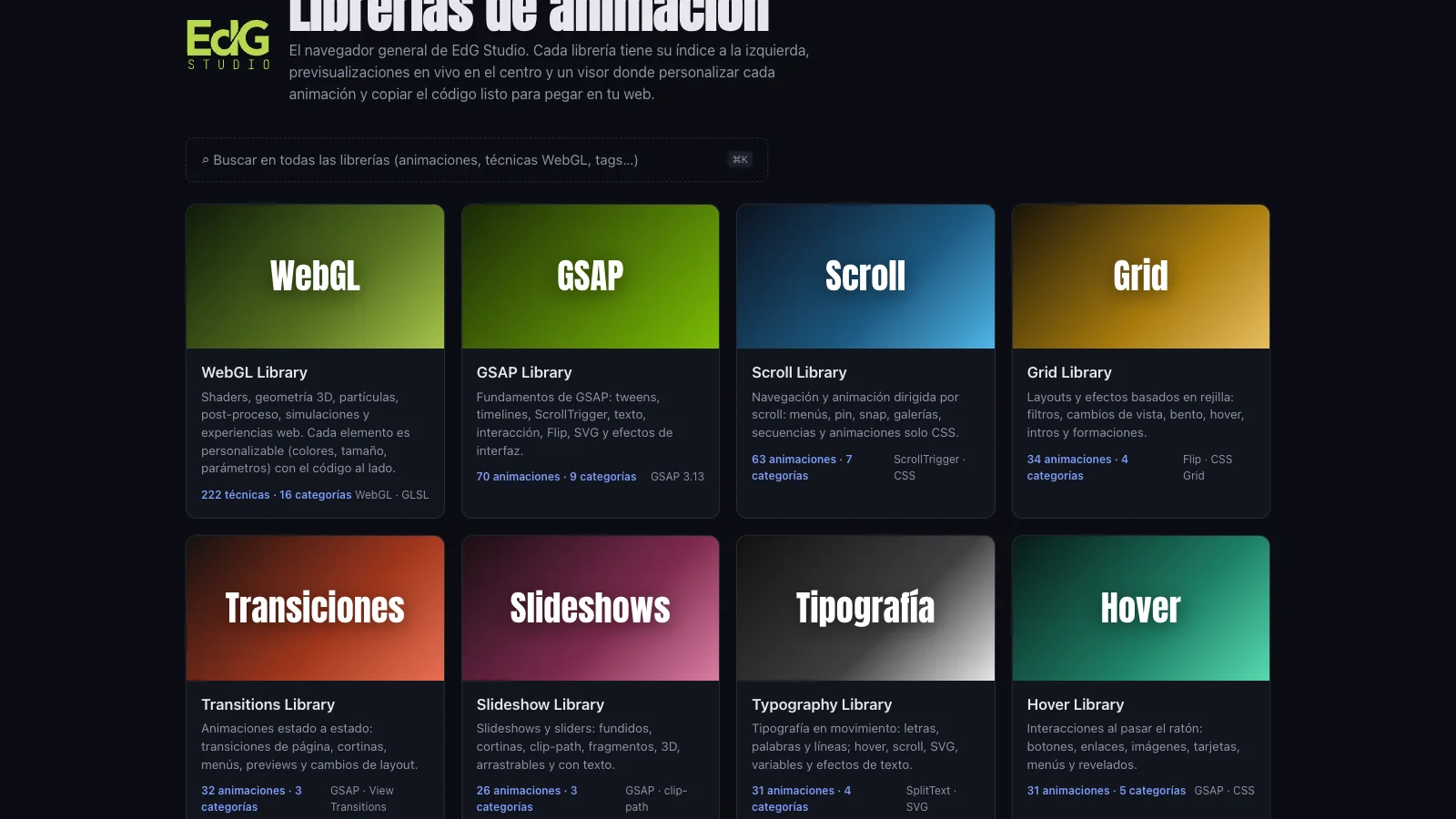
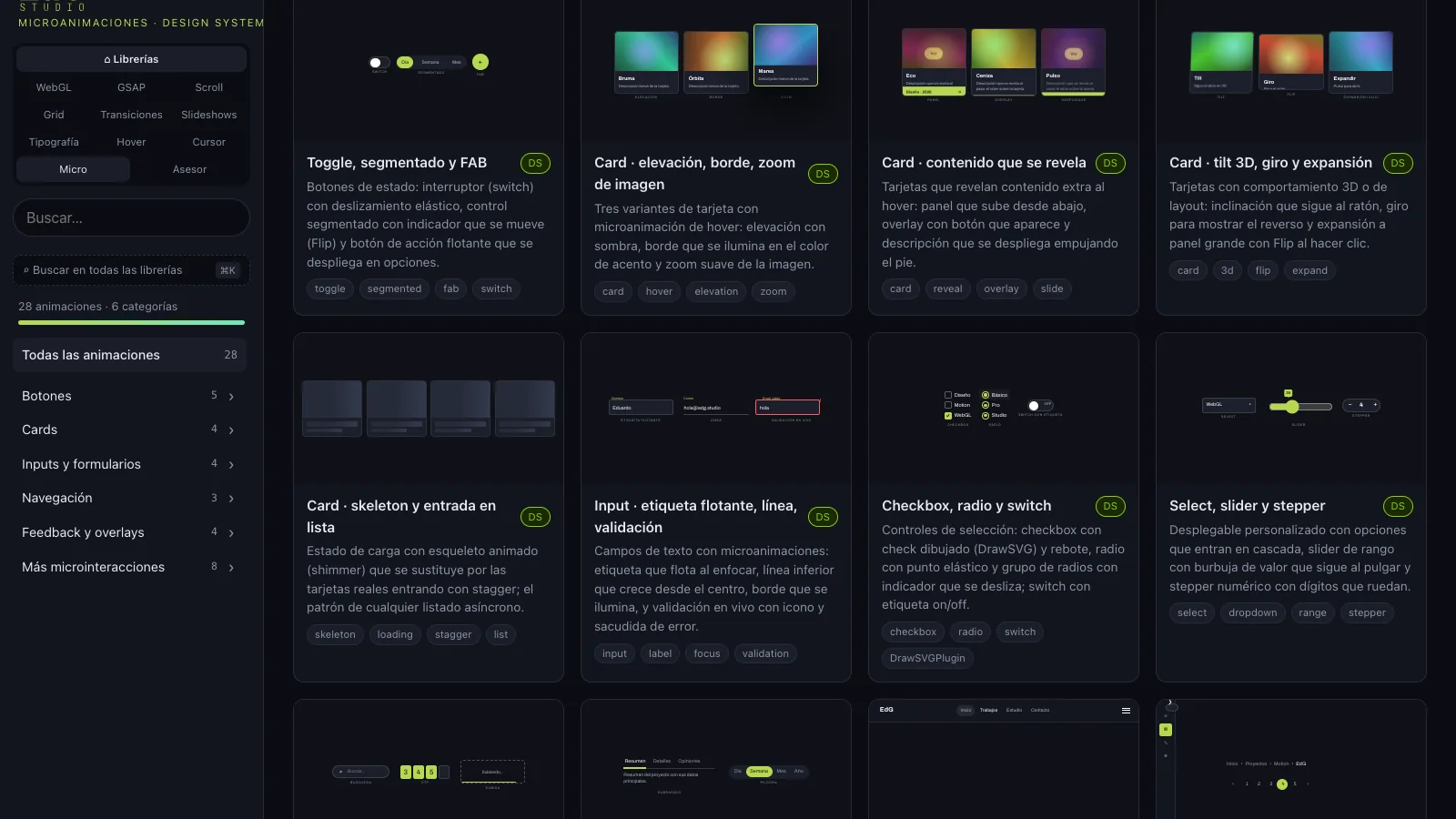
So I decided to build it all once, properly, and catalogue it. The index on the left is the complete list of what I can do in motion: 222 WebGL techniques (shaders, 3D geometry, particles, post-processing, simulations) and 346 animations across nine libraries: GSAP, scroll, grids, page transitions, slideshows, typography, hover, cursors and a design system of micro-animations.
And the part that really saves time: every piece is customised from a panel and the code comes out ready to paste with my values. I pick the animation, put it in the client’s colours, adjust size and parameters, copy and paste it into the site I’m building. What used to take an afternoon now takes ten minutes.
What is inside
A hub, ten libraries and a search that runs through all of them.
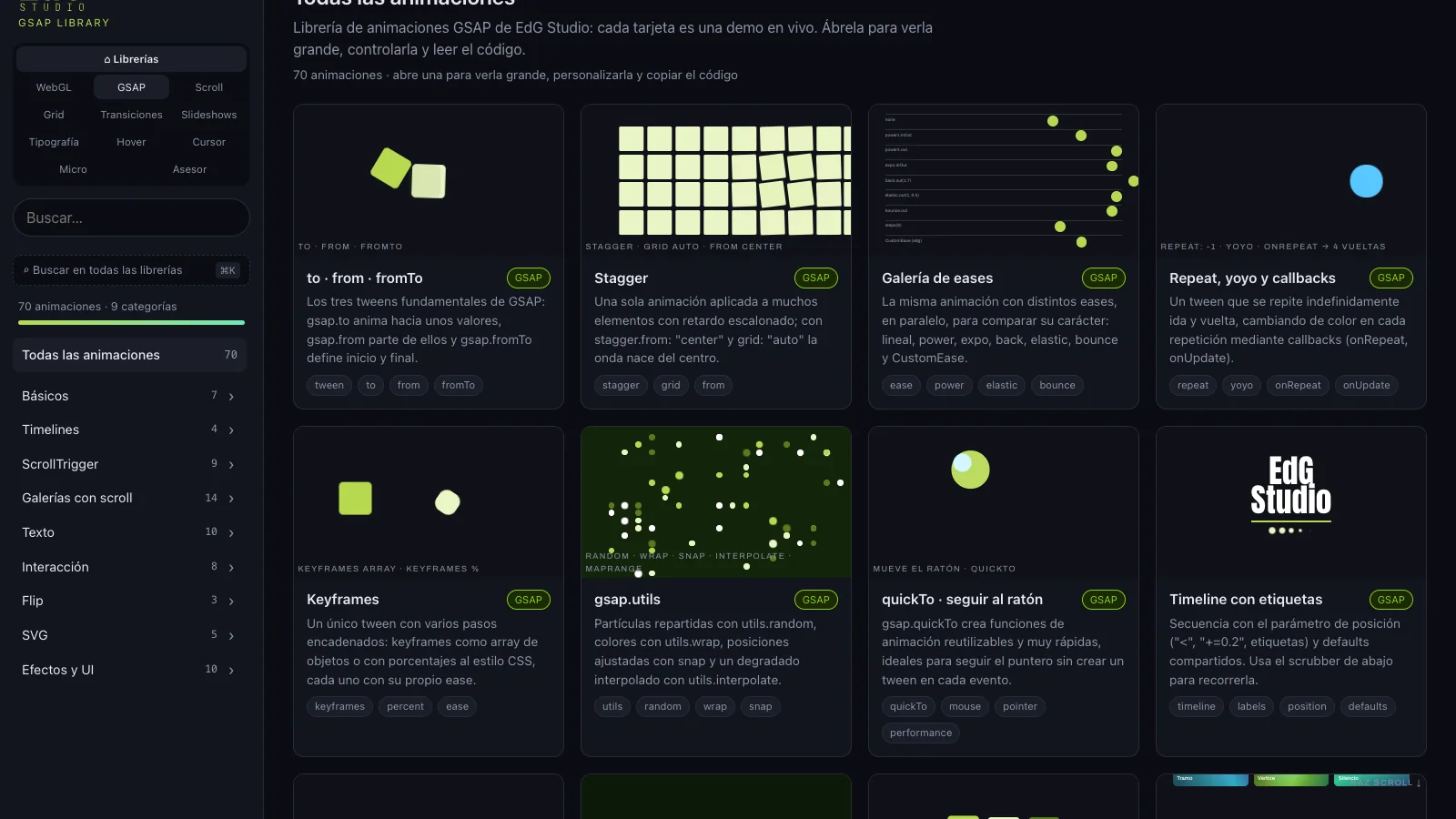
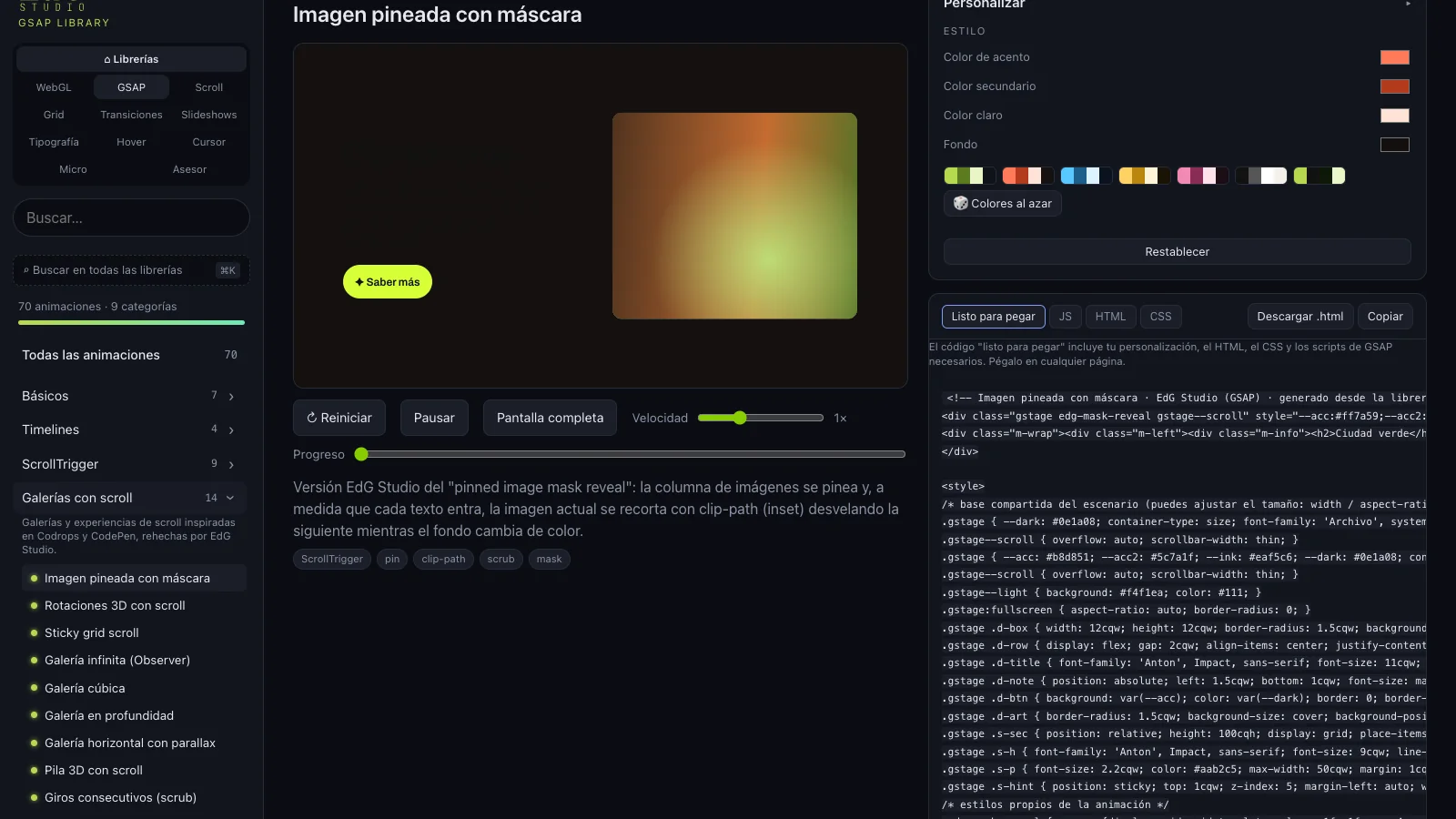
Colours, sizes, parameters: everything changes from the viewer
An animation that cannot be put in the client’s colours is useless for building sites.
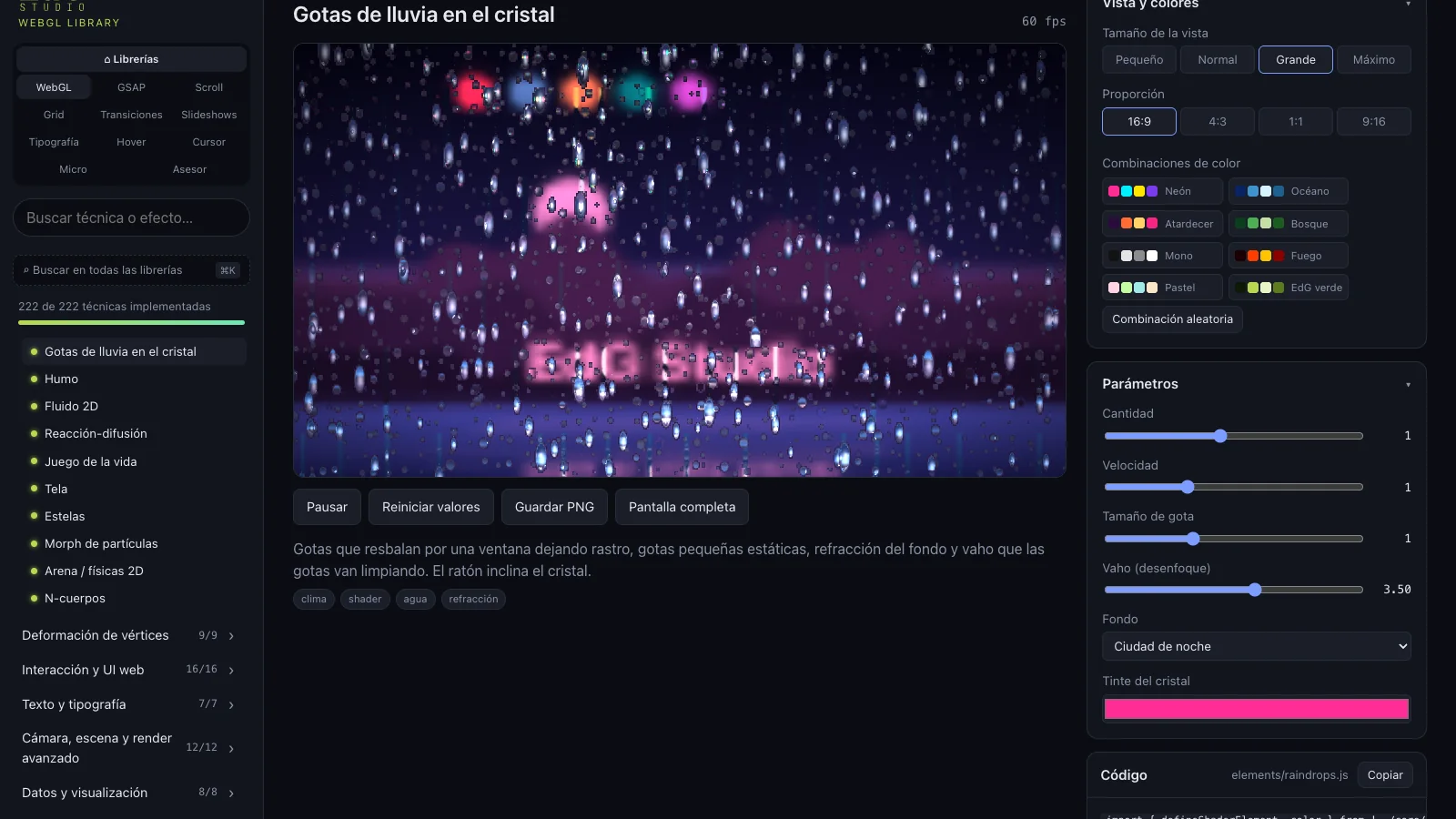
Opening a piece shows it large, with its code alongside and a panel with everything that can be changed. In WebGL, “View and colours”: four sizes, four aspect ratios, eight palettes and a random combination, plus the parameters of each technique (number of drops, speed, fog, glass tint…). The image above is “Raindrops on glass” with the Neon palette and the Large size.
In the animation libraries, the “Customise” panel changes the accent, secondary, light and background colours, applies palettes and exposes each demo’s parameters (texts, speeds, variants). Below it, the “Ready to paste” tab generates the HTML, CSS and scripts with those values already applied; one button copies it, another downloads it as a file.
The advisor: I type the kind of website and it suggests what to use
“Dry cleaner website”, “lawyer”, “renovations before and after”: it returns animations with the reason for each one.
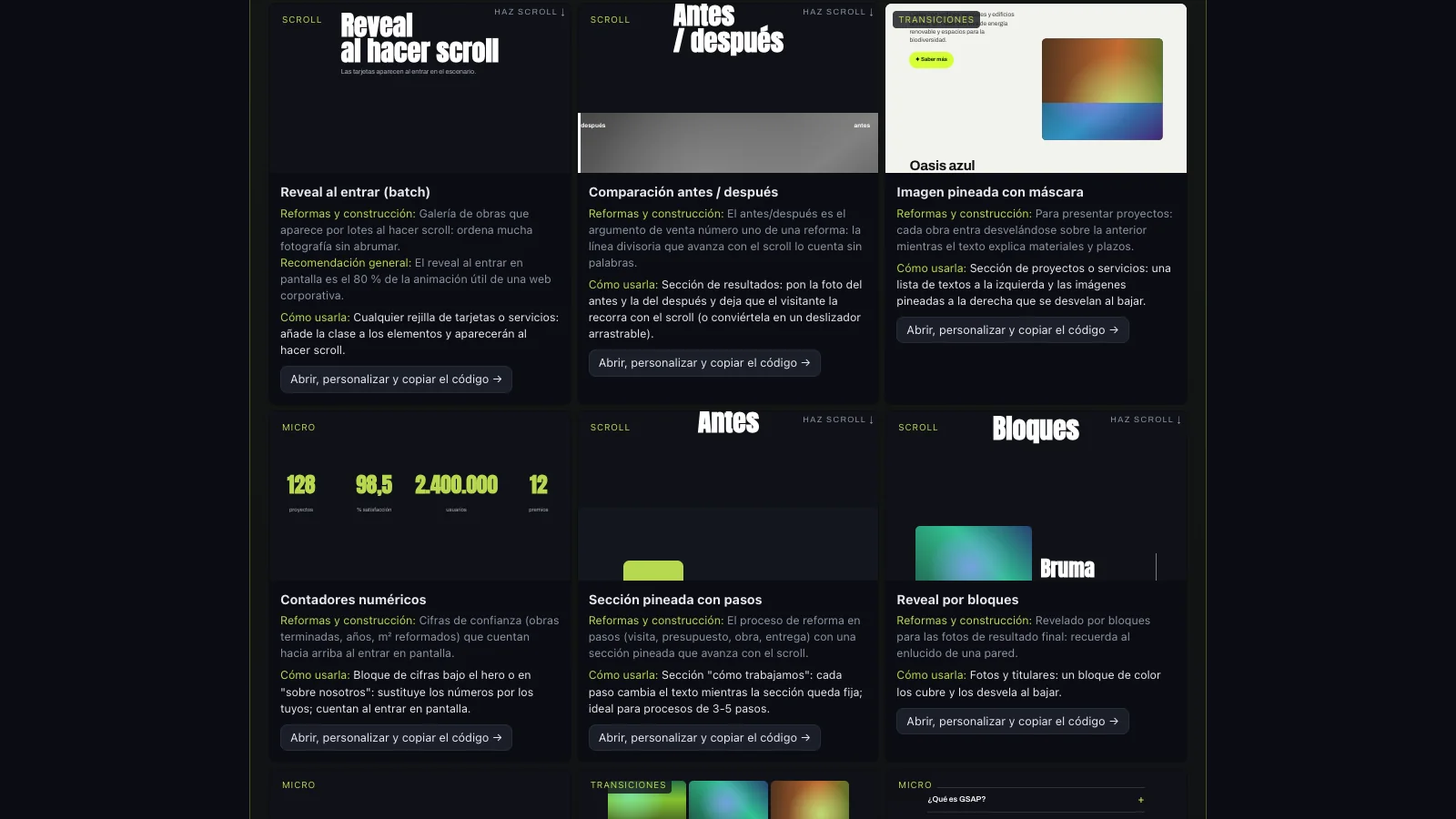
This is the part I use when a project starts. The advisor knows 24 sectors (restaurants, law firms, renovations, clinics, shops, studios, hotels, charities…) and, for each, a tone, design recommendations and a selection of animations from every library with why it fits and how to use it on the page. Each recommendation shows a small live preview and links to the viewer to customise it.
How it is built
No bundler, no framework: ES modules, a shared engine and a contract per piece.
Each WebGL technique is a module with a minimal contract (id, parameters, a create() that returns render, resize and dispose) on top of a WebGL core of my own: program compilation, buffers, textures, ping-pong framebuffers, an orbit camera, geometries and a GLSL library of noise and utilities. The animation libraries share a single engine that mounts each demo in the cards and in the viewer, builds the customisation panel from its parameters and exports the code.
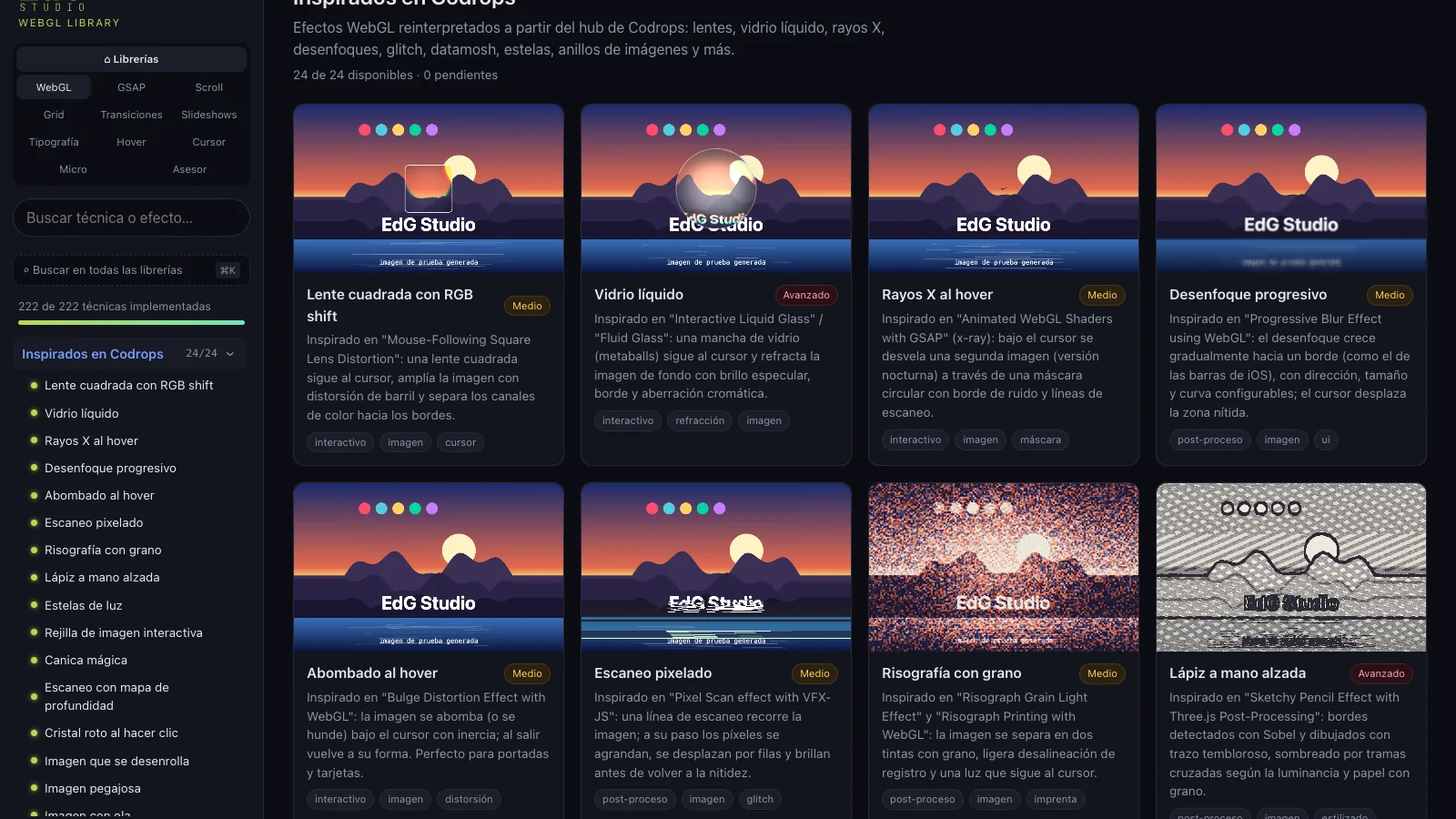
The demos are written in container units so the same piece works in a 300-pixel card and in the full-screen viewer. Everything is tested in Chrome on a real GPU: a harness walks through all 568 pieces, collects console errors and detects blank canvases. And the Codrops and CodePen references I liked are rebuilt from scratch, with my brand, not copied.
The library, running
It is private because it is a working tool, not a product: I open it, choose, customise and copy. If you want to see it, ask me for the password and go in through the button; once inside, the switch in the sidebar jumps between libraries and the global search runs through all of them.
View the library in the browser
Asks for a password. Opens in a new tab on the hub of all the libraries.
Next in Front-end development
GMF Reformas · The new website